For staffing and recruitment operations
Fill employee PDF forms from Excel
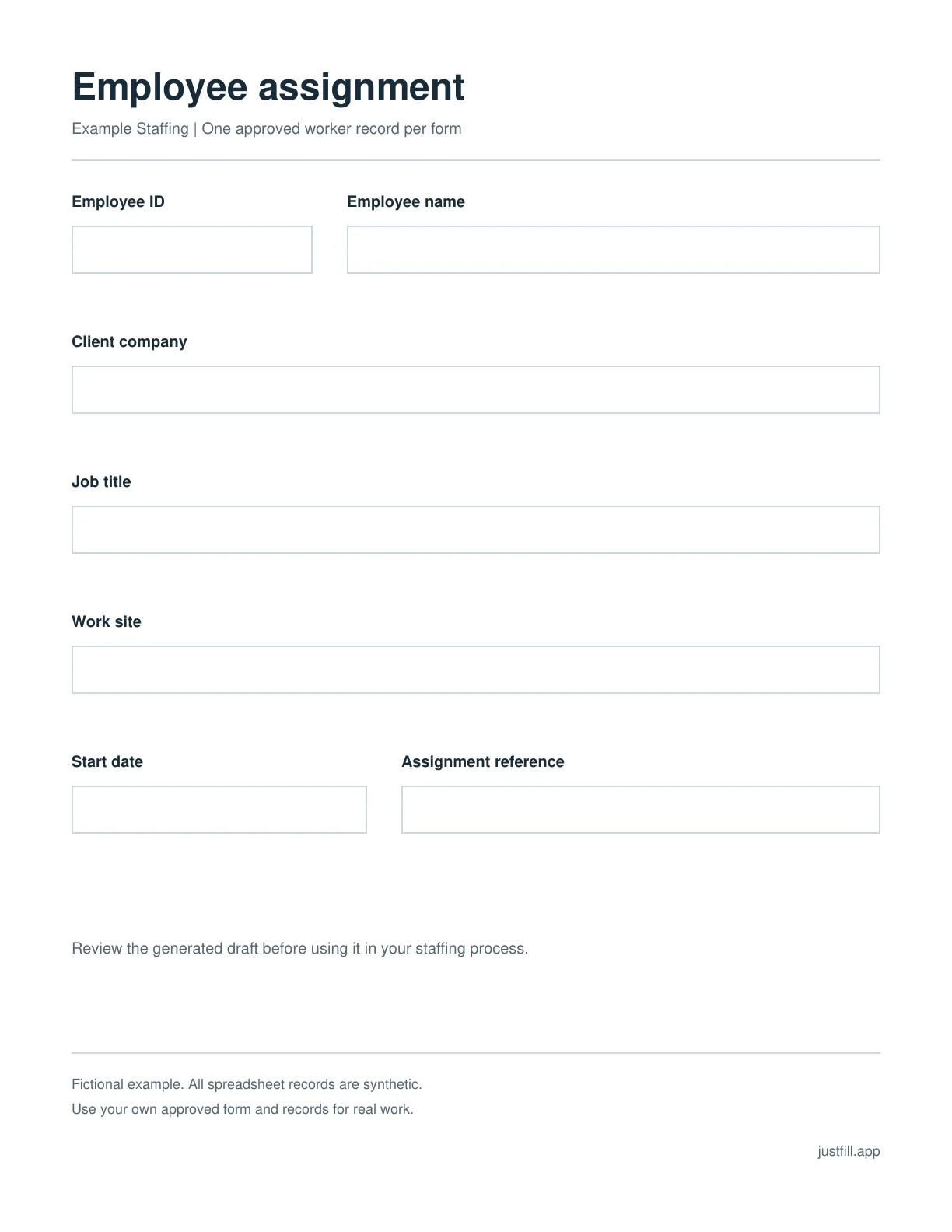
Prepare the same assignment form for each new worker. Import the rows, review one PDF per employee, and download the approved drafts together.
Sign in to try it. The PDF and five fictional rows load automatically. No files to prepare. Example downloads below need no account.
Try one form and five employee rows
The PDF has seven named fields. The spreadsheet uses the same seven column names, so you can check every match before preparing the drafts. All names, companies and assignments are fictional.
The first group
Five rows, one employee per row. Keep Employee ID as text.
After signing in, the example PDF and five rows open together. Review the drafts, then upload your own PDF and spreadsheet. Manual mapping is free. Clean downloads follow your pack or plan.
| Employee ID | Employee name | Start date |
|---|---|---|
| 0007 | Alex Morgan | 2026-10-12 |
| 0008 | Jordan Lee | 2026-10-12 |
| 0009 | Taylor Kim | 2026-10-13 |
The downloadable file also contains Client company, Job title, Work site and Assignment reference.
From the spreadsheet to five reviewed PDFs
Upload the PDF, import Excel, check the seven column matches, review the employee drafts and export your selection as a ZIP.
Recorded with fictional records on a demo account. Review each draft before using your own data.
Next group. Same form.
The second spreadsheet has five different workers and the same headers. Reuse the reviewed layout, replace the rows, check the mapping and review the next group.
Use this for your recurring paperwork
Start with one assignment, onboarding or client-specific form that your team already prepares regularly. Export only the columns that form needs. Save the reviewed template and mapping for the next run.
Start with your own formChoose capacity for your actual work
Try the watermarked sample first. A one-time pack is $7 for 25 clean PDFs and 25 AI credits without expiry. Starter is $19/month with reusable templates, batches of up to 25 records and 125 clean output pages per month.
Pro supports up to 100 records per batch for $49/month; Business supports up to 500 for $99/month. Monthly output allowances also apply.
Questions about employee PDF batches
Can I use our own employee or client form?
Yes. Upload the exact PDF you already use, review its fields, and match your spreadsheet columns. Each selected row becomes a separate draft in the original PDF layout.
Do I need to book a demo?
No booking is needed. Choose Try the employee example and sign in; the PDF and five fictional spreadsheet rows load automatically. You can also download the example files without an account. For your own work, upload your PDF and import Excel or CSV.
What happens when the next group of employees starts?
Keep the same reviewed PDF layout and spreadsheet headers. Replace the rows with the next group, check the mapping and review the new drafts. Saved templates and mappings are available for recurring work.
What can I try for free?
The example files are free to download. The editor offers a watermarked five-row ZIP sample; clean downloads follow the pack or plan you choose. AI-assisted mapping uses credits; manual column mapping remains free.
Does this replace employment checks or signatures?
JustFill prepares PDF drafts from your data. Your team handles employment checks, approvals, signatures and delivery in its existing process.
More workflows: PDF mail merge from Excel and PDF forms in n8n.